Ji bo peydakirina ezmûnên herî baş, em teknolojiyên wekî çerezan (cookies) bi kar tînin da ku agahiyên cîhazê tomar bikin û/an bigihîjin wan. Qebûlkirina van teknolojiyan dê rê bide me ku em daneyên wekî reftarên gerandinê an nasnameyên yekta li ser vê malperê bişopînin. Qebûlkirin nekirin an vekişandina razîbûnê, dibe ku bandorek neyînî li ser hin taybetmendî û fonksiyonan bike.
Depokirina teknîkî an gihîştin ji bo armanca rewa ya çalakkirina bikaranîna xizmeteke taybet a ku bi awayekî eşkere ji aliyê abone an bikarhêner ve hatiye xwestin, an jî tenê ji bo pêkanîna veguhestina ragihandinekê li ser toreke ragihandinê ya elektronîk, bi tundî pêwîst e.
Depokirina teknîkî an gihîştin ji bo armanceke rewa ya tomarkirina tercîhên ku ji aliyê abone an bikarhêner ve nayên xwestin, pêwîst e.
Depokirina teknîkî an gihîştina ku bi tenê ji bo armancên îstatîstîkî tê bikaranîn.
Depokirina teknîkî an gihîştina ku bi tenê ji bo armancên îstatîstîkî yên anonîm tê bikaranîn. Bêyî gazîname, pabendiya dilxwazî ya Pêşkêşkarê Xizmeta Înternetê ya we, an tomarên zêde yên ji aliyekî sêyemîn, agahiyên ku tenê ji bo vê armancê têne depokirin an wergirtin bi gelemperî nikarin ji bo naskirina we werin bikaranîn.
Depokirina teknîkî an gihîştin pêwîst e ji bo çêkirina profîlên bikarhêneran da ku reklam werin şandin, an ji bo şopandina bikarhêner li ser malperekê an li ser çend malperan ji bo armancên kirrûbirrê yên wekhev.

















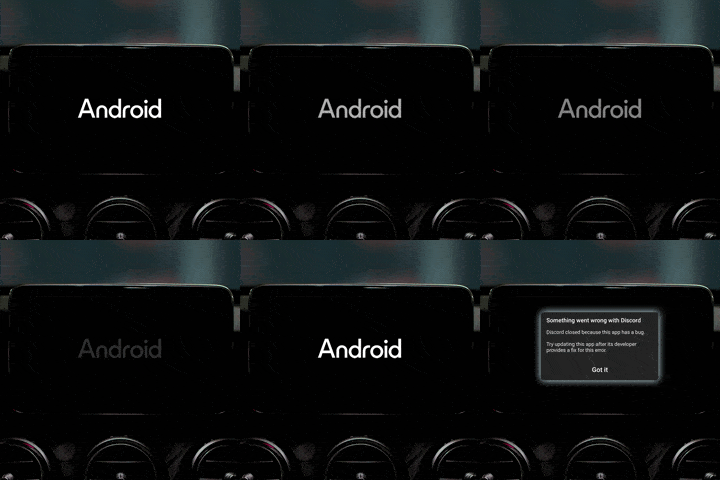 One of the most frequent and disruptive problems is the Android system failing to boot properly, often freezing on the manufacturer’s logo screen indefinitely. This results in complete loss of system functionality — no navigation, no music, no phone calls — severely impacting safety and convenience.
Root Causes: Corrupted firmware, power supply issues, hardware faults.
Troubleshooting Steps:
One of the most frequent and disruptive problems is the Android system failing to boot properly, often freezing on the manufacturer’s logo screen indefinitely. This results in complete loss of system functionality — no navigation, no music, no phone calls — severely impacting safety and convenience.
Root Causes: Corrupted firmware, power supply issues, hardware faults.
Troubleshooting Steps:
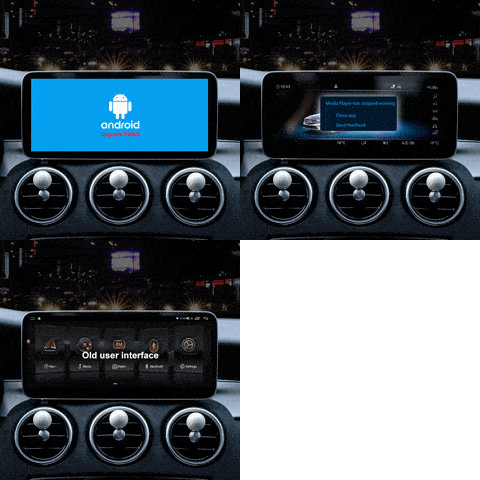 Intermittent system crashes and freezes degrade user experience and can cause safety risks while driving.
Root Causes: Insufficient system resources, software bugs, hardware aging.
Troubleshooting Steps:
Intermittent system crashes and freezes degrade user experience and can cause safety risks while driving.
Root Causes: Insufficient system resources, software bugs, hardware aging.
Troubleshooting Steps:
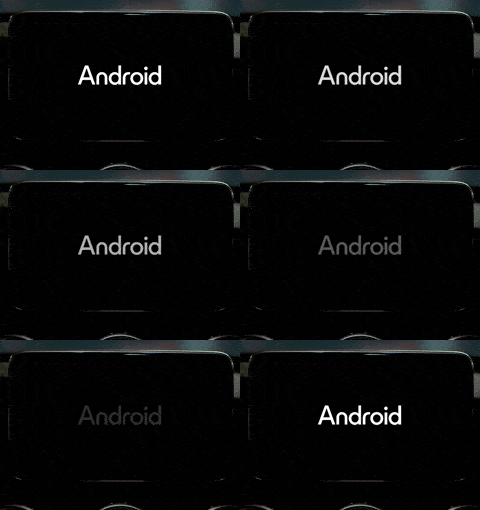 Firmware updates failing midway can corrupt the system or brick the device.
Root Causes: Power interruption, unofficial update files, hardware faults.
Troubleshooting Steps:
Firmware updates failing midway can corrupt the system or brick the device.
Root Causes: Power interruption, unofficial update files, hardware faults.
Troubleshooting Steps:
 FixMyDash’s certified technicians use advanced tools and genuine firmware to diagnose and repair your car Android system efficiently and reliably.
Contact Us for Expert Repair
FixMyDash’s certified technicians use advanced tools and genuine firmware to diagnose and repair your car Android system efficiently and reliably.
Contact Us for Expert Repair
